
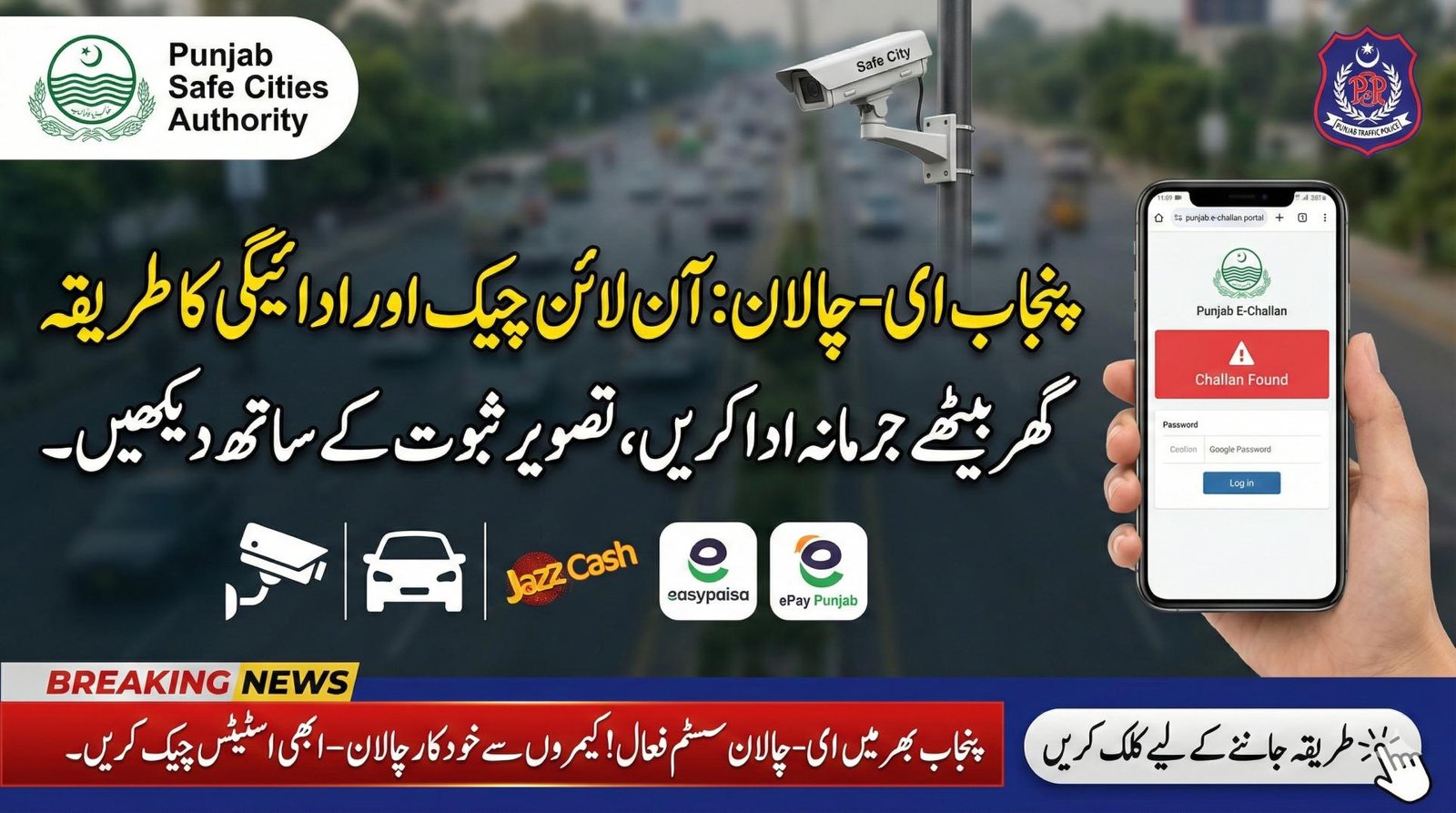
If you drive in Punjab — whether Lahore, Faisalabad, Rawalpindi, or any other city — the new digital traffic fine system makes life easier. With the online e‑challan system from Punjab Safe Cities Authority (PSCA), you can now verify and pay traffic fines within minutes — no need to visit traffic police offices. This reduces hassles, prevents fake challans, and keeps your driving record clean.
| What | Where / How |
|---|---|
| Official portal / website | echallan.psca.gop.pk |
| What you need to check challan | Vehicle registration number, CNIC, or chassis number |
| Where it covers | Punjab — Lahore, Faisalabad, Multan, Gujranwala, Rawalpindi and other cities |
| Payment methods | JazzCash, EasyPaisa, ePay Punjab, banks / ATMs |
| What violations produce challan | Speeding, signal-jumping, helmet/seatbelt violations, illegal parking, wrong turns, etc. |
| Proof provided | Photo evidence from ANPR / CCTV cameras + fine details |
| Option to pay or download receipt | Yes — via portal, mobile wallets, bank apps, or ATMs |
| Helpline / Contact | PSCA Helpline 15 or 042‑99051606 |
What is Punjab E‑Challan System
The E‑Challan system is a digital framework managed by PSCA. Through a network of CCTV and ANPR cameras, traffic violations — such as overspeeding, signal jumping, helmet/seatbelt neglect, illegal parking, and other offences — are automatically detected. Once a violation occurs, a challan is generated digitally, complete with photo evidence and details like time, date, and location.
This automated approach replaces traditional paper tickets, reduces human error and corruption, and makes traffic enforcement more transparent — good for both authorities and responsible drivers.
How to Check Your E‑Challan: Step-by-Step
- Open your browser (or smartphone) and go to the official portal: echallan.psca.gop.pk.
- Enter your vehicle registration number, CNIC, or chassis number.
- Complete any CAPTCHA or human verification prompt.
- Click Search / Check Challan.
- The portal will display your challan history:
- List of pending and cleared challans
- Violation type, date, time, location, fine amount
- Photo evidence (if issued by camera)
- Payment status (Paid / Unpaid)
How to Pay Your Challan Online
- Use mobile wallets: JazzCash or EasyPaisa — go to Bill Payments → Traffic Challan, enter PSID or vehicle number and pay.
- Or use the ePay Punjab app — select “Traffic Challan,” enter PSID / challan number, pay with card or bank, and get a digital receipt.
- You can also pay via standard bank apps, ATMs, or bank branches supporting challan payments.
Once payment is successful, wait a few minutes to 24–48 hours for the system to reflect “Paid” status. Always keep a screenshot or receipt as proof.
Why This System Matters
- Transparency & proof — Cameras + records + photographs. No disputes over “I didn’t get paper ticket.”
- Easy & fast — Check from anywhere, no need to visit traffic office.
- Digital record — All your violations and fines are stored against your CNIC / vehicle number. Useful if you want to sell or transfer a vehicle later.
- Encourages safe driving — Since violations are tracked by cameras, drivers are less likely to break rules.
What to Watch Out For (Avoid Fake Challans)
- Always use the official portal only: echallan.psca.gop.pk. Avoid random links from SMS/WhatsApp — scammers may try to trick you.
- Never share OTPs, passwords, or sensitive data with unknown sources.
- Save your challan receipt or payment confirmation — this helps if records do not update immediately.
Helpline & Contact
If you have issues — challan not appearing, payment not updated, or wrong vehicle number — contact:
PSCA Helpline: 15 (from any network) or 042‑99051606 (for landline / detailed support).
You can also approach your nearest City Traffic Police (CTO) office or relevant Excise & Taxation office if needed.
Conclusion
The digital e‑Challan system by PSCA is a big step toward modern, transparent traffic enforcement in Punjab. It gives convenience, clarity, and fairness to drivers — allowing you to check and pay fines from home. By using the official portal and trusted payment methods, you avoid fake challans and stay legally compliant. For a safe, smart driving experience on Punjab roads — check your challan status today.
FAQ
What if I don’t have my CNIC — can I still check challan?
Yes — you can use your vehicle registration number or chassis number instead of CNIC on the official portal.
How long does it take for payment to reflect on portal?
Payments via mobile wallet or bank app usually reflect instantly, but sometimes it may take up to 24–48 hours for “Paid” status to appear.
Can I pay multiple challans at once?
Yes — most payment platforms allow you to pay all pending challans in one go.
What if the portal shows “No challan found”?
That likely means you have no pending challans. Ensure your vehicle or CNIC is entered correctly and wait if you recently paid a fine.
Official Portal: echallan.psca.gop.pk