
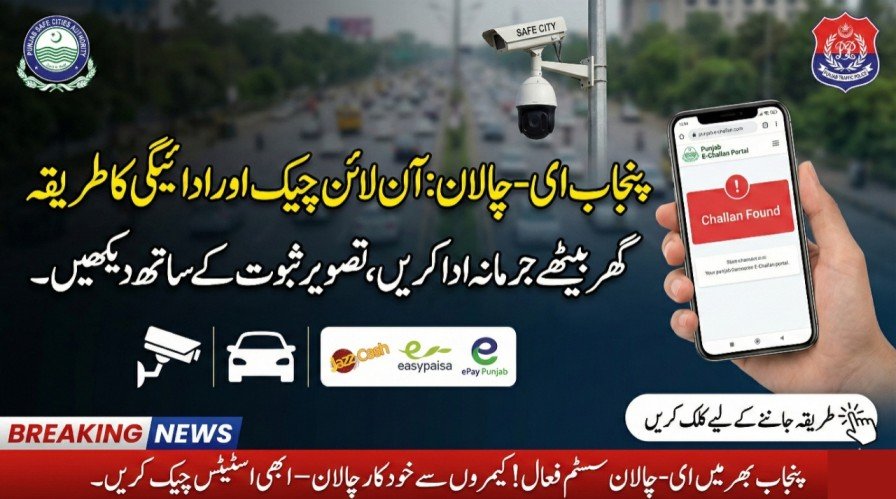
Driving in Punjab can now be safer and more convenient thanks to the E-Challan system introduced by the Punjab Safe Cities Authority (PSCA). This digital system allows you to check and pay traffic fines online without visiting traffic offices. By using the official portal, drivers can avoid fake challans, track violations instantly, and ensure compliance with traffic laws. It’s a modern solution designed for transparency, convenience, and promoting road safety across Punjab’s major cities.
| What | Details |
|---|---|
| Official Portal | echallan.psca.gop.pk |
| Required Information | Vehicle registration number, CNIC, or chassis number |
| Coverage Area | Punjab: Lahore, Rawalpindi, Faisalabad, Gujranwala, Multan, and other cities |
| Payment Options | JazzCash, EasyPaisa, ePay Punjab, banks/ATMs |
| Violations Covered | Speeding, signal-jumping, helmet/seatbelt violations, illegal parking |
| Evidence Provided | Photo from CCTV or ANPR cameras + violation details |
| Receipt/Confirmation | Available online after payment |
| Helpline Contact | 15 (from any network) or 042-99051606 |
What is Punjab E-Challan System
The E-Challan system is a digital platform that detects traffic violations through ANPR cameras and CCTV networks. Once a violation occurs, the system generates a digital challan that includes details such as date, time, location, and photo evidence. This approach replaces manual paper tickets, reduces corruption and errors, and allows drivers to view and pay fines conveniently online.
Benefits of Using the System
- Transparency: All challans have photo evidence and official details, preventing disputes.
- Convenience: Check and pay fines from your home or mobile device.
- Record-Keeping: Digital records help maintain a clean driving history.
- Safe Driving Encouragement: Awareness of automated detection promotes responsible driving.
How to Check Your E-Challan: Step-by-Step
- Open a browser and visit the official portal: echallan.psca.gop.pk
- Enter your vehicle registration number, CNIC, or chassis number
- Complete any CAPTCHA verification
- Click on “Search / Check Challan”
- Review challan details including violation type, date, time, location, fine amount, and photo evidence
How to Pay Your Challan Online
- Mobile Wallets: Use JazzCash or EasyPaisa apps; go to Bill Payments → Traffic Challan, enter your PSID or vehicle number, and pay.
- ePay Punjab: Open the app, select Traffic Challan, input details, pay with card or bank, and download the receipt.
- Banks and ATMs: Pay through supported banks or ATMs using the challan number or PSID.
- Verify the payment confirmation
- Wait 24–48 hours for the portal to update “Paid” status
- Keep a digital or screenshot copy as proof
Common Issues & How to Avoid Them
- Always use the official portal to prevent fake challans.
- Do not share OTPs, passwords, or sensitive data with anyone.
- Save payment receipts in case of delayed updates.
- Check vehicle or CNIC input carefully to avoid errors.
Helpline & Contact
If you encounter issues such as incorrect challan details, payment not reflecting, or portal errors, contact PSCA helpline:
Phone: 15 (from any network) or 042-99051606
You may also visit your local City Traffic Police or Excise & Taxation office for assistance.
Conclusion
The Punjab E-Challan system provides a modern, reliable, and convenient method for managing traffic fines. By checking and paying challans online through the official portal, drivers can avoid disputes, reduce penalties, and stay compliant with traffic laws. It also encourages safer driving habits, making Punjab roads safer for everyone. Use the official portal today to manage your traffic fines efficiently.
FAQ
Can I check my E-Challan without a CNIC?
Yes, you can use your vehicle registration number or chassis number instead of CNIC on the official portal.
How long does it take for payment to update online?
Payments usually reflect instantly but may take up to 24–48 hours in some cases.
Can I pay multiple challans at once?
Yes, mobile wallets and ePay Punjab allow paying all pending challans together.
What if the portal shows “No challan found”?
It means you currently have no pending challans. Ensure your vehicle/CNIC information is correct, and wait if you recently paid a fine.
Official Portal: echallan.psca.gop.pk